



Summary
Browser autofill is a convenient tool that stores login information for a user. However if someone was to access your computer and it's logged in, they can steal login information that was previously saved. Not saving passwords, unique passwords and MFA can protect your information against this problem.
What is browser autofill?
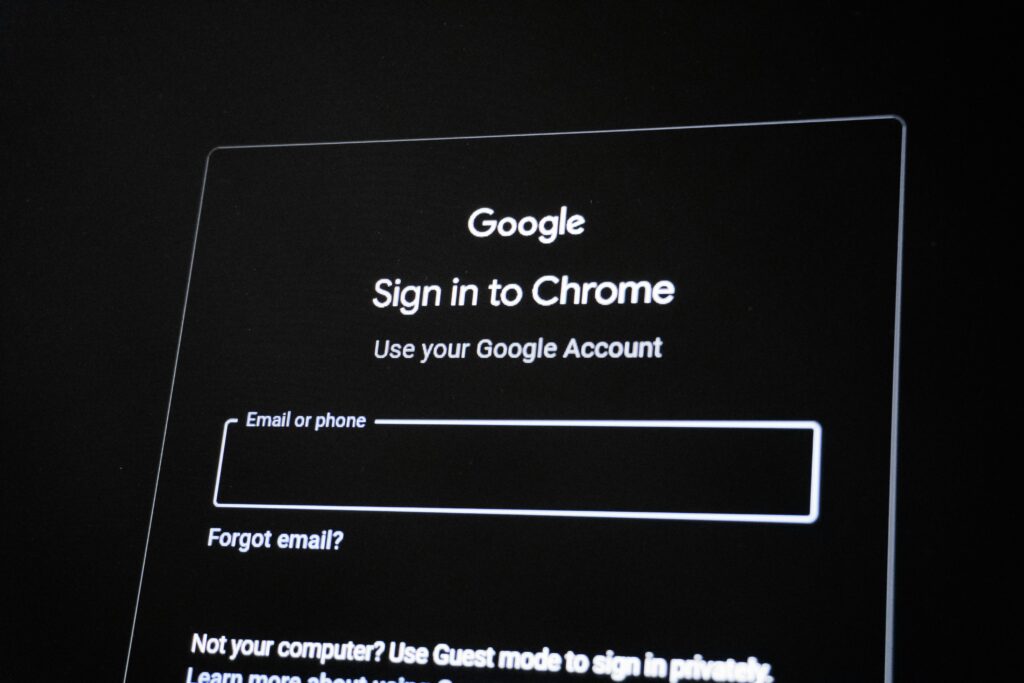
Browser autofill is a service that stores your login information on the browser for your convenience. When a website prompts you to log in, the browser will show a button to autofill the login information, allowing for easy logins. While it may seem appealing to have the browser remember your passwords and usernames for you, it can expose sensitive information. Browsers can be accessed by others through malware, phishing websites triggering a browser and even physically accessing the device.
The risks of autofill.
When someone has physical access to your computer they gain access to everything. For example, if an intruder has your computer and visits your bank’s website with autofill enabled, they gain immediate access to your bank account. Phishing websites can trigger autofill, tricking the user into giving login details, thinking it is a legitimate website. Stealer logs are a type of malware that gather login information and send the data to the intruders server. Using this malware, they will have access to everything saved on the browser and may sell the data to others, preventing immediate awareness of the security breach.
Protecting information with programs.
Deleting previously stored login information clears your browser of autofill passwords and usernames. Disabling your browsers autofill features are different for every browser. Using a password management service like Bitwarden allows for a more secure storage of login information. Setting a master password in Bitwarden, ensures safe storage and that the information can not be accessed without a login. Using strong unique passwords and MFA are another great way of ensuring a safe account (for more information read our blog). It is important to be careful which websites you give your information to.
Sources: