
Dealing with Spam Texts

What do spam texts look like? Spam texts are unwanted messages sent to your phone number. They’re sent in bulk messages, aimed to scam people for money. They will often have a link encouraging the user to click it. This link could contain malware or a form designed to get sensitive data out of a […]
Why Incognito Mode Doesn’t Work Like You Think it Does

What is Incognito Mode? Incognito mode or private mode is a browser tab that promises some form of privacy. These services ensure cookies and browsing history are not saved after the window is closed. They also allow for users to sign into multiple Google accounts rather than signing in and out each time. Incognito mode […]
What are Cookies?

What are cookies? Cookies are small files that the web server sends to your browser when visiting a website. They attach themselves to a user’s browser to store information about the user’s interactions with the website. Cookies can be used to store a variety of data, including time spent on a website, what website a […]
The Risks of Browser Autofill
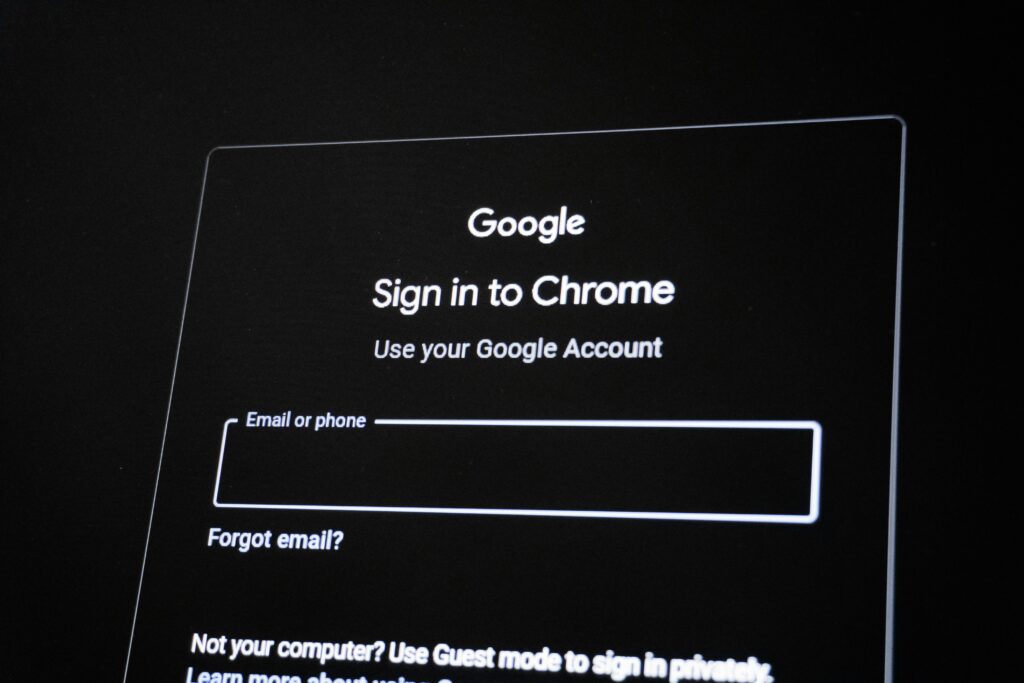
What is browser autofill? Browser autofill is a service that stores your login information on the browser for your convenience. When a website prompts you to log in, the browser will show a button to autofill the login information, allowing for easy logins. While it may seem appealing to have the browser remember your passwords […]
Famous Computer Viruses
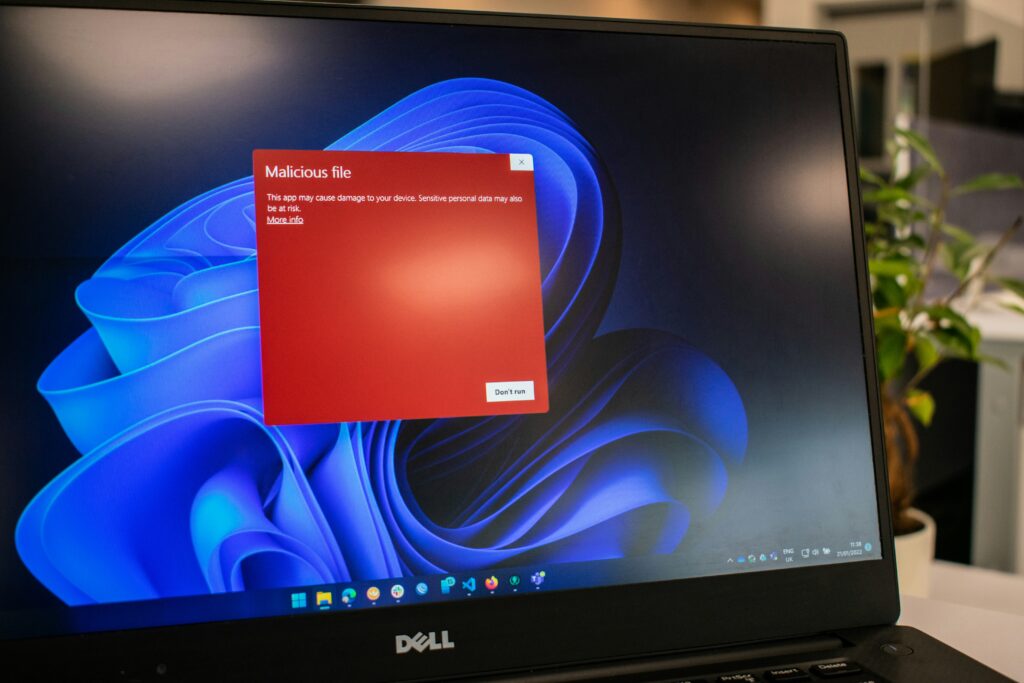
What is a computer virus? A computer virus is a malicious program that intends to damage the data and system of a computer. A virus spreads from computer to computer to cause as much damage as possible. A virus requires human action to activate, from opening an infected email or downloading from suspicious links. Once […]
What is a DDoS Attack?

What is a DDoS attack? DDoS or a distributed denial-of-service is overwhelming a server or a network with malicious traffic. Hackers create a network of infected devices to target a business or service, in protest of them, for money or even for fun. A real world example of this phenomena is an unexpected traffic jam […]
This Must Read Blog Will Teach You About Clickbait!

What is clickbait? Clickbait is the act of using misleading or exaggerated headlines to entice users to click on it. Clickbait can come in the form of a pop-up advertisement or an article, both of which are created to generate clicks from unsuspecting users. Some clickbait websites and advertisements are used to hide scams, to […]
Header Security and Cross-Site Scripting
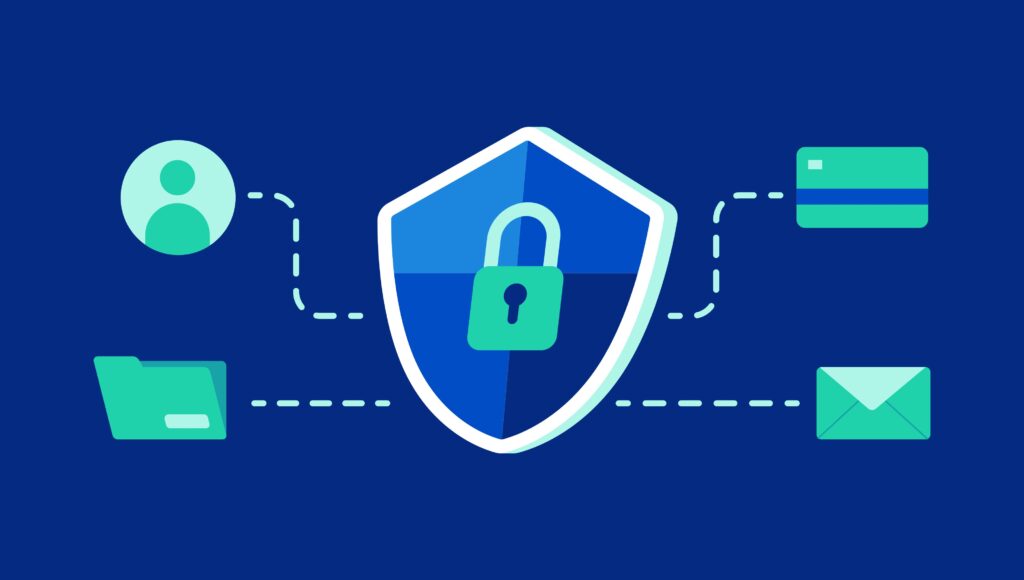
What is a HTTP Security Header? An HTTP Security Header aims to prevent XSS vulnerabilities and attacks. Security headers also improve a website’s SEO (find out why SEO is important here), because search engines view the website as more secure and trustworthy. These headers respond to the server to verify it can be trusted, when […]
How To Browse the Internet Safely

What is safe browsing? Browsing the internet safely is crucial to protect your information. Malware and scams are evolving rapidly to entrap unsuspecting users, into giving access to their computer and information. Scams can pose as trusted brands or companies in an attempt to ensnare a user. Scams aren’t as obvious nowadays, a convincing online […]
The Importance of Strong Passwords and MFA

User profiles on any type of app or website require a username and a password. Most intruders simply get through to your account using this method. When a password is weak (“1234”) or easy to guess (using your name or year you were born), intruders easily get into your account. If someone manages to guess […]